Simcenter FLOEFD

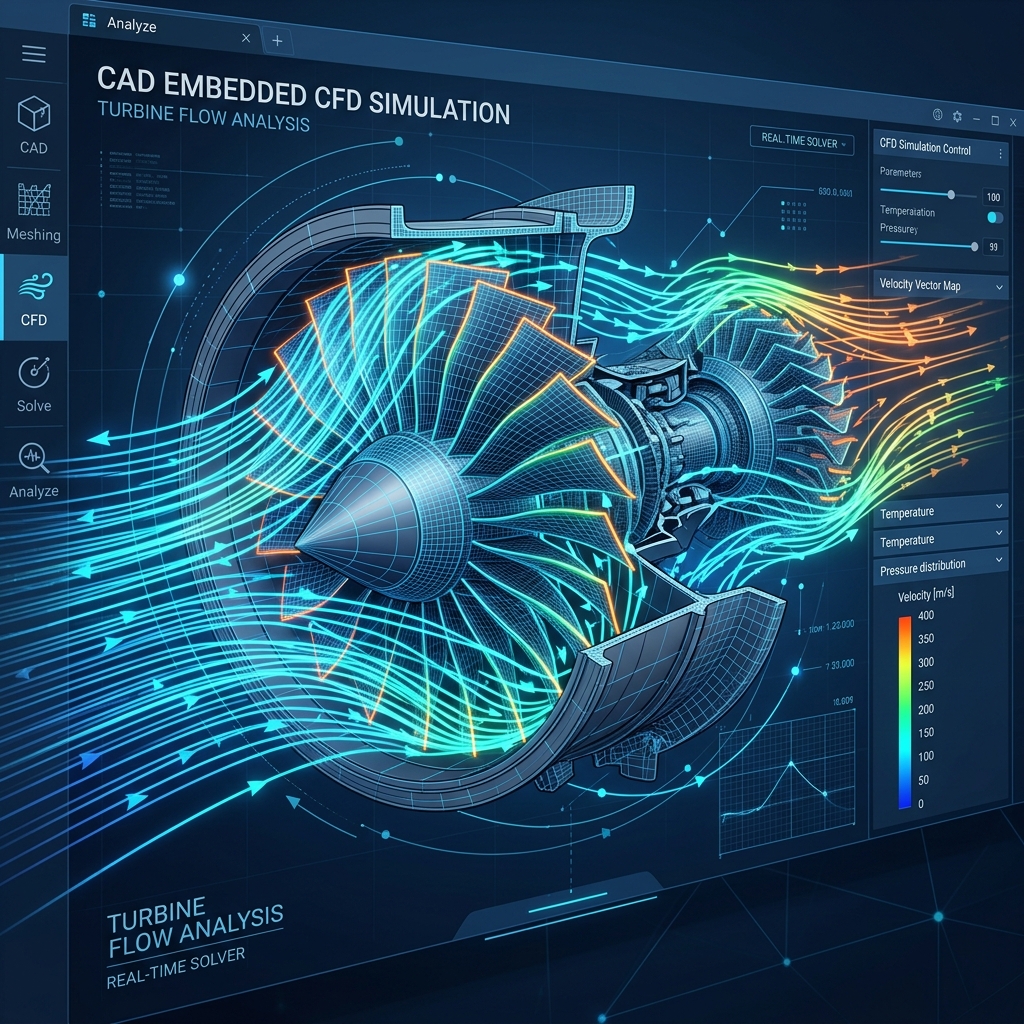
Embedded thermal analysis software for CAD systems (such as NX, Solidworks, Creo, Solid Edge, CATIA). R&D personnel can directly use 3D CAD software model files to synchronously process mechanical design and CFD models. In addition, FLOEFD can automatically distinguish between fluid and solid regions, reducing mesh setup time and accelerating the modeling and analysis process.
Simcenter FLOEFD

Explore the full potential of design ideas without interrupting the design and development process

Simcenter FLOEFD is integrated into NX, Creo, CATIA V5, or Solid Edge, allowing you to master the powerful capabilities of CFD simulation through FloEFD. It enables users to easily understand the impact of changes in geometry or boundary conditions on results, perform fast and frequent what-if analyses, and generate insightful reports within your preferred CAD platform. Based on intelligent, fast, and accurate technology, Simcenter FLOEFD helps users reduce overall simulation time by up to 75% and increase productivity by up to 40 times.

7 Major Features of FloEFD

Features Description Advantages
Feature 1: Embedded in CAD systems FloEFD can be installed on current mainstream CAD systems.

  • Directly use 3D CAD software model files
  • Automatically identify fluid and solid regions
  • No need to export and import CAD drawing files
  • No CAD file conversion means no need to deal with broken surfaces caused by conversion
  • No trouble defining fluid and solid regions
  • Synchronous processing of mechanical design and CFD models
  • Reduce the time and possible errors of remodeling
Feature 2: Fast and automatic generation of calculation meshes Immersed Boundary Method mesh technology.

  • Automatically generate fluid and solid region meshes
  • Partial Cells Technology (Fluid-Solid Coexistence Mesh)
  • Quickly handle defects in CAD geometry
  • Automatic mesh refinement and coarsening
  • No need to spend too much time on mesh generation
  • Assists users in generating high-quality meshes
  • Reduce calculation time and obtain accurate results
Feature 3: Intuitive user interface Engineering user interface.

  • Easy-to-use navigation wizard to guide users through model setup
  • Extensive result analysis and post-processing functions
  • Can output result reports in Microsoft Office formats
  • No CFD expert required for parameter setting
  • Shorten model setup time
  • Automatic generation of report documents
Feature 4: Unique transitional k-ε turbulence model k-ε model for transition from laminar to turbulent flow.

  • Uses improved wall functions to directly simulate laminar and turbulent flow phenomena
  • Automatically identifies laminar, transitional, and turbulent phenomena without specially specifying fluid characteristics
  • No CFD expert required for parameter setting
  • Compared to traditional CFD software processing methods, FloEFD requires less setup time and provides more accurate calculation results
Feature 5: Improved boundary layer wall functions Automatic wall function correction.

  • Uses "Partial Cells" technology near solid walls
  • Correct the flow and heat transfer phenomena of the boundary layer during simulation
  • Including the boundary layer effects near the wall can be accurately simulated
  • No CFD expert required for boundary layer parameter setting
  • Compared to traditional CFD software's boundary layer processing methods, FloEFD reduces the chances of trial and error
Feature 6: Built-in automatic calculation convergence function Automatic convergence control.

  • Users can choose any variable of a face, object, or calculation domain for convergence control
  • Users can control convergence for representative equations
  • Convergence can be achieved without any numerical method control
  • Reduce the number of recalculations required due to calculation non-convergence
  • No need for a CFD expert to worry about non-convergence of calculations
Feature 7: What-if analysis of multiple design variables Design variables analysis.

  • Adopts the "What-if" design concept to optimize the model directly using parameters
  • Optimized models can be directly adopted by CAD
  • Calculate after design changes
  • Design optimization can be performed in the early stages of product design
  • Allows CFD experts to focus on researching key issues